 Live on iOS and Android
Reckive
The calculator that remembers.
Reckive saves every step of your math automatically. Tag, categorize and search your calculation history. Free to start on iOS and Android, with Reckive Pro for cloud sync and unlimited history.
Free · Pro from $0.49/mo · v1.0.0
Calculator
Features
What Reckive does
Reckive is a mobile calculator app built around a simple idea: your math shouldn't disappear the moment you hit equals. Unlike standard calculators, Reckive automatically saves every multi-step calculation as an organized session, letting you title, tag, categorize and annotate your work, then search across your full history later. Designed with a warm, tactile interface for students and anyone who calculates more than once a day, Reckive supports live expression evaluation, multi-provider sign-in and haptic feedback out of the box. The free tier covers everyday use, while Reckive Pro adds unlimited saved history, Google Drive cloud sync, exclusive themes and an ad-free experience.
Saves every calculation
Hit equals and Reckive quietly saves the session. Nothing you work out ever disappears.
Multi-step sessions
Keep calculating and each new step joins the same session, so your whole train of thought stays together.
Titles, tags and categories
Organize by Work, Finance, Personal or Shopping, add tags and notes, and mark favourites.
Search everything
Find any calculation by title, expression, result, tag or note.
True expression engine
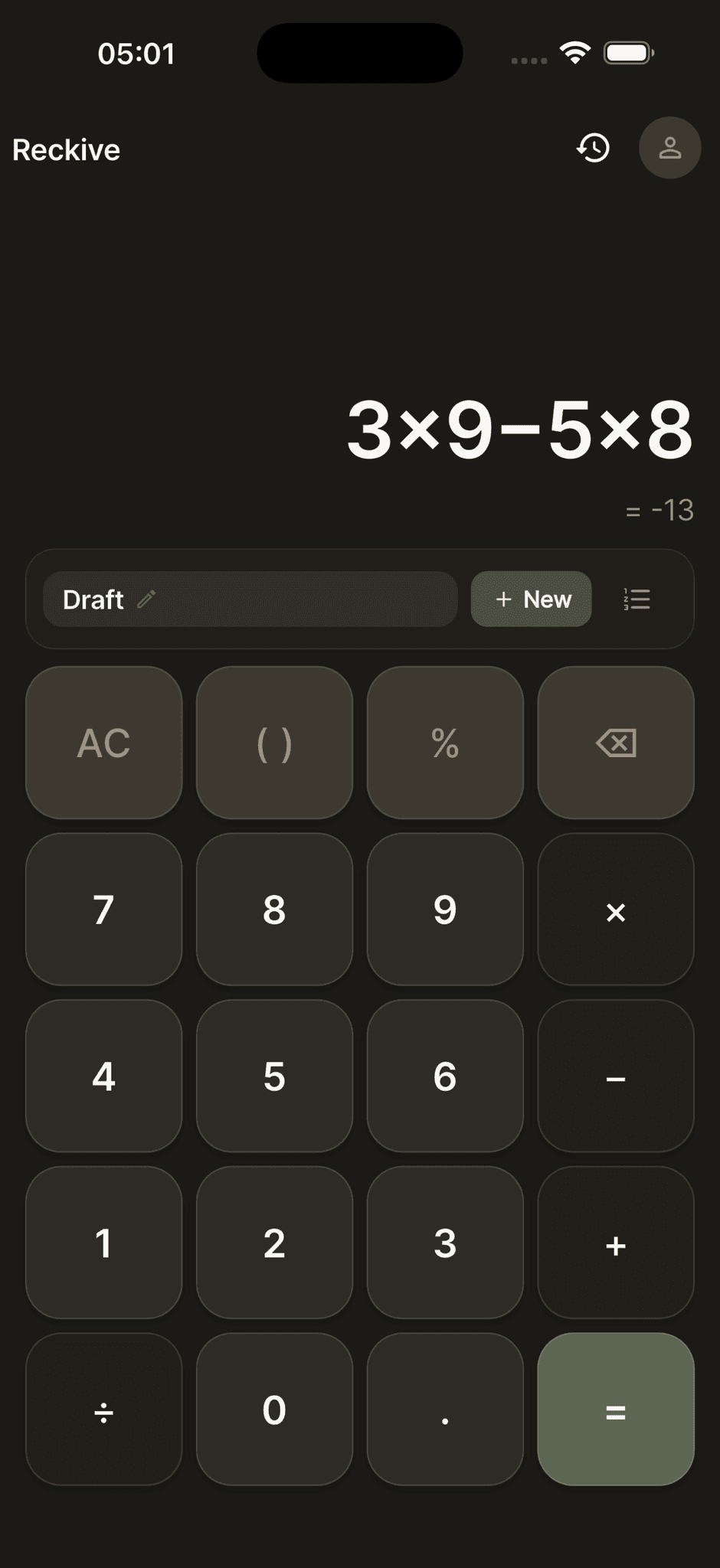
Parentheses, percentages and correct order of operations, with the result updating live as you type.
Google Drive sync
Reckive Pro backs your history up to your own Drive and restores it on any device.
Smart drafts
Untitled saves are flagged as drafts automatically, so nothing slips through.
Warm, tactile design
Light and dark themes, optional haptic feedback, and exclusive theme packs for Pro.
Sign in your way
Google, Apple or email. Your data stays on your device and in your Drive.
Screens
A look inside Reckive
Calculator
Type naturally; the result updates live as you go.
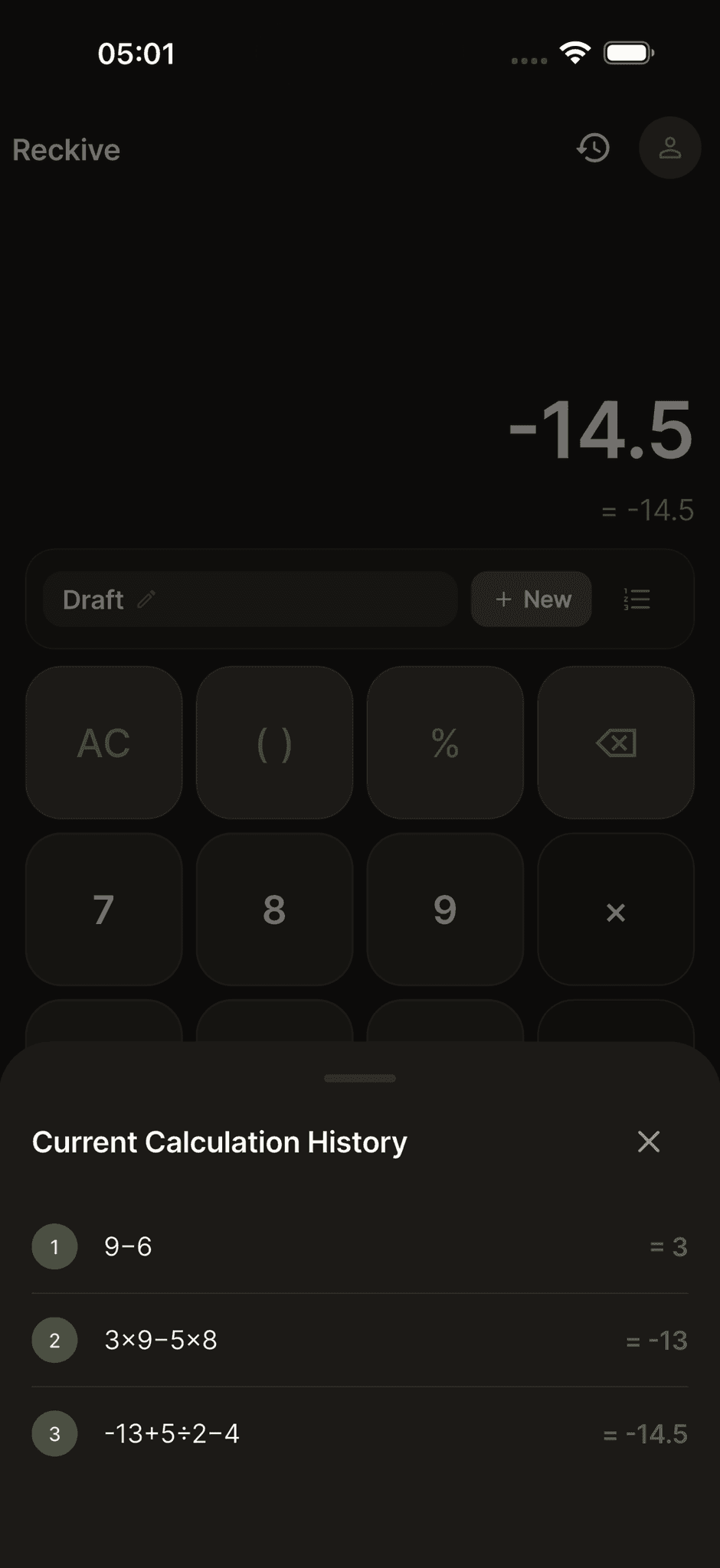
Multi-step sessions
Each new step joins the same session.
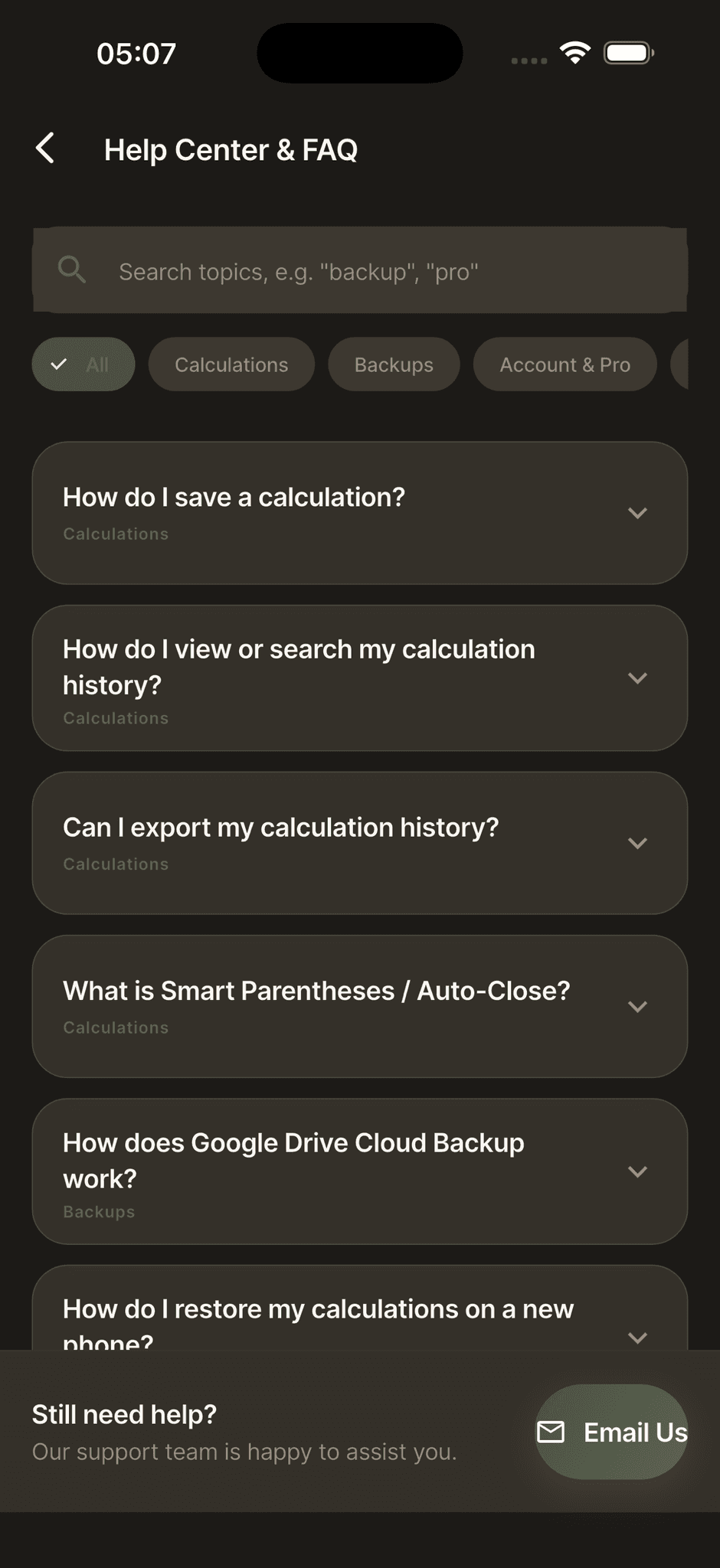
Help center
Searchable answers built into the app.
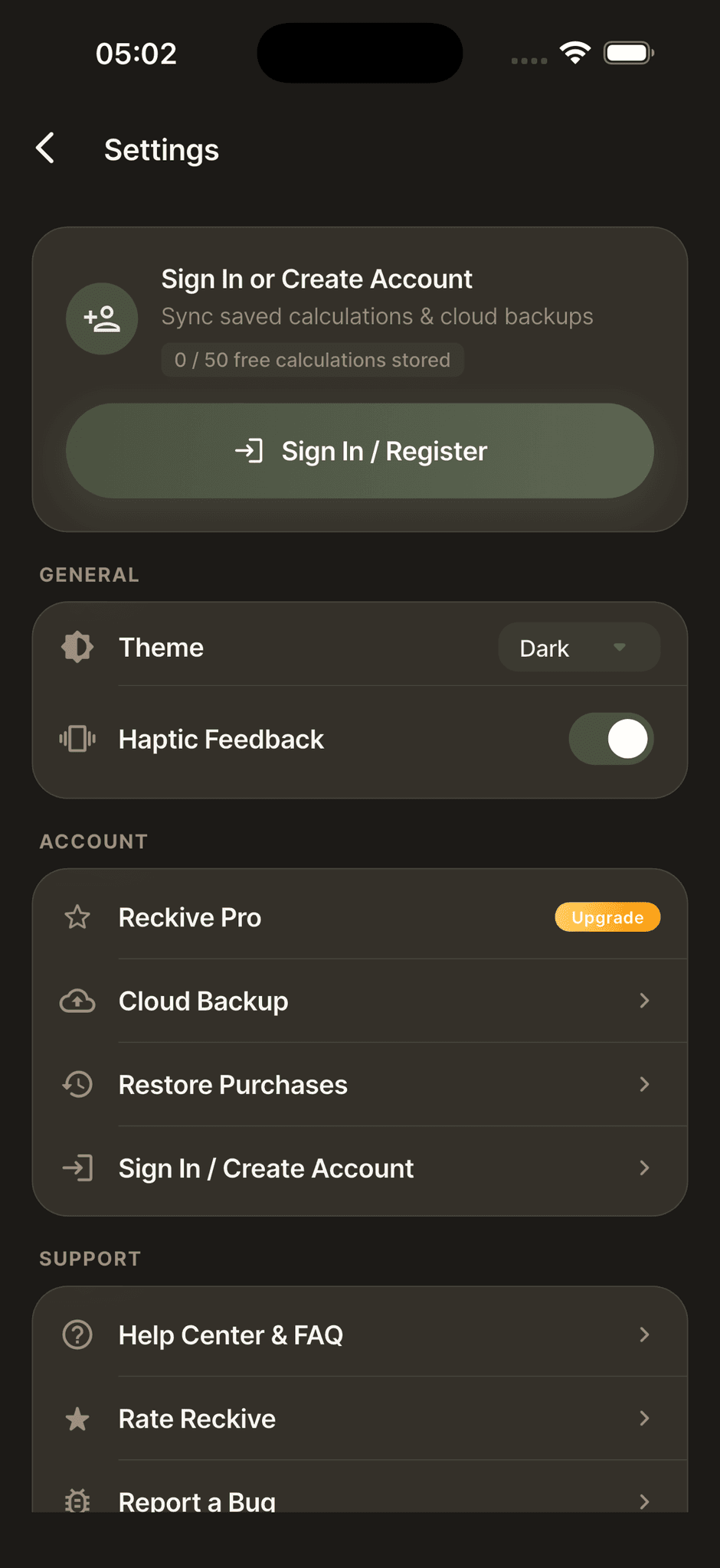
Settings
Theme, haptics, sign-in and Pro in one place.
Pricing
Start free, upgrade when ready
Free
$0
forever
Unlimited calculations, live result preview, up to 50 saved sessions, light and dark themes.
Pro monthly
$0.49/mo
Unlimited history, Google Drive sync, exclusive themes, ad-free.
Pro yearly
Best value$4.99/yr
Everything in Pro, billed once a year.
Reference USD prices. Final price may vary by store and region. A lifetime option is coming soon.
FAQ
Reckive questions, answered
Is Reckive free to use?
Yes. The free tier includes unlimited calculations, live result preview, up to 50 saved sessions with categories and tags, and both light and dark themes. Reckive Pro unlocks unlimited history, Google Drive sync, exclusive themes and removes ads.
What makes Reckive different from other calculator apps?
Reckive saves every calculation automatically and keeps it searchable. It combines a true expression engine with persistent history, multi-step sessions, tagging and Google Drive sync, instead of a tape that disappears.
How do multi-step sessions work?
When you save a calculation for the first time, Reckive creates a session. Each time you tap equals after that, the new step is appended to the same session automatically, with no repeated prompts.
Where is my calculation history stored?
On your device, and optionally in your own Google Drive with Reckive Pro. Slowforge Studio never receives your calculations.
What happens to my data if I change my phone?
With Reckive Pro, export your database to Google Drive before switching, then sign in and import on the new phone. Calculations, tags, categories and notes are restored exactly as they were.
Which platforms is Reckive available on?
Reckive is available now on the Apple App Store for iPhone and on Google Play for Android, listed as "Reckive: Calculator & History".